
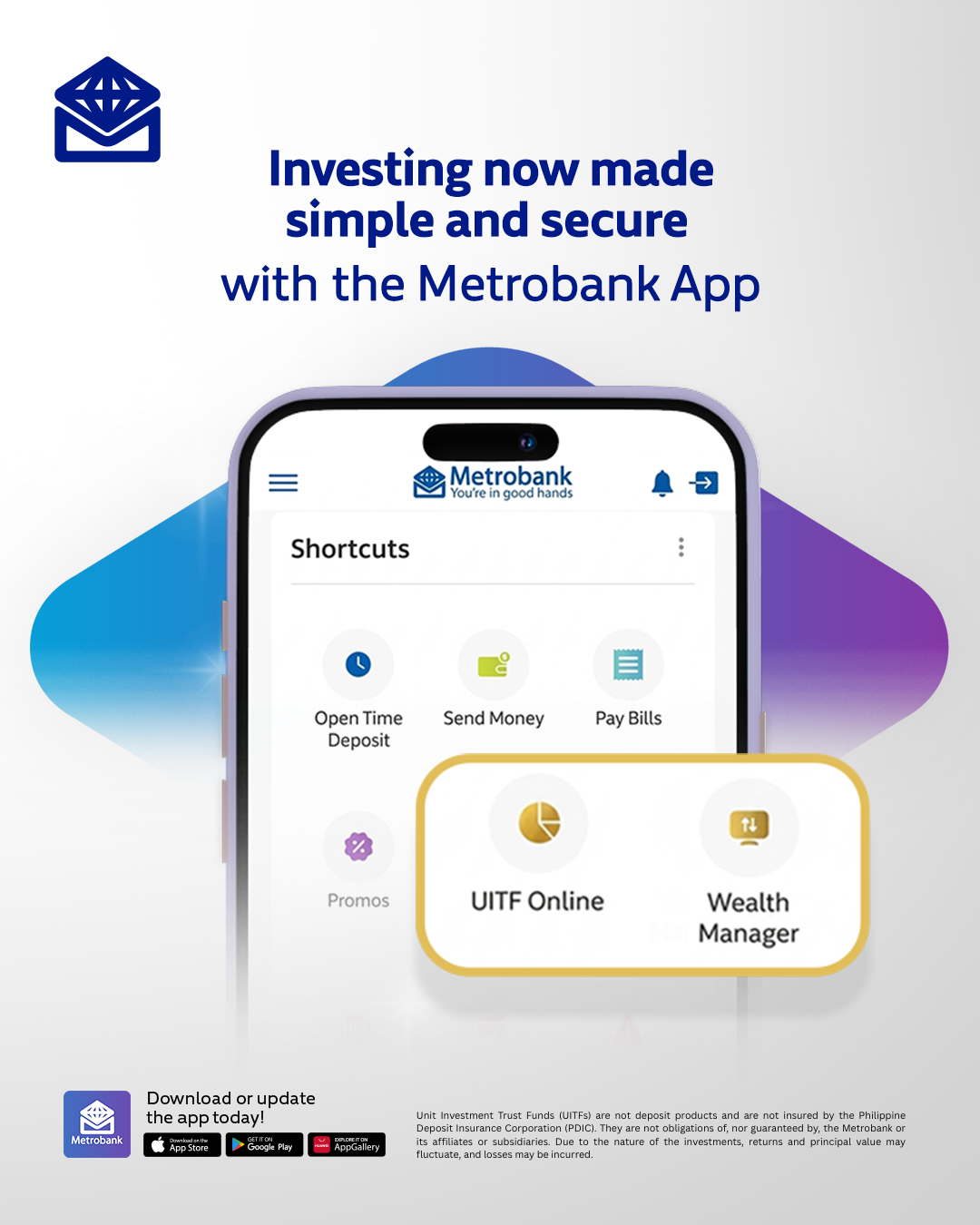
Metrobank is making digital banking more convenient with an upgraded mobile app that allows customers to invest, monitor their portfolios, and handle their banking needs in one platform.
Through the enhanced Metrobank App, users can invest in Unit Investment Trust Funds (UITFs) via UITF Online, while Wealth Manager offers access to peso government bonds and other wealth management services. Customers can also trade government securities digitally and view their overall investment portfolio in one consolidated space.
Grow your money with Metrobank’s over 25 UITFs
Building a diversified investment portfolio is now easier with UITF Online on the Metrobank App, wherever you are in your investment journey. Metrobank offers more than 25 UITFs across different asset classes and currencies to suit varying investment goals and risk profiles.
Through UITF Online, you can invest in peso- and dollar-denominated UITFs, monitor your UITF portfolio, redeem your investments, and download your statement of account all through the Metrobank App.
You can start investing for as low as PHP1,000, the minimum investment amount varies depending on the fund. The UITFs available to you will also depend on the currency of your enrolled Metrobank savings account.
Here’s how to start your UITF journey through the Metrobank App:
- Open the Metrobank App and log in to your account.
- Tap the menu in the upper-left corner of the app. Select “UITF Online” and tap “Get Started.”
- Watch the UITF educational video and complete the required information to proceed.
- Take the Suitability Assessment to know your risk profile.
- Assign a Settlement Account for your UITF account and start investing and building your portfolio.
For existing UITF Online users: Your existing UITF account will be automatically reflected in the Metrobank App.
For existing UITF investors who are not yet enrolled in UITF Online: Simply enroll the settlement account linked to your UITF investment account to access UITF Online.
Build your wealth with Wealth Manager
If you are looking to further diversify your investments, you can also access Wealth Manager through the Metrobank App.
Through Wealth Manager, you can directly buy and sell government bonds in the secondary market, view your total investment portfolio, get in touch with your Wealth Specialist, and access timely market insights through Wealth Insights, Metrobank’s online resource for market and economic information.
Follow these steps to access Wealth Manager:
- Open the Metrobank App and log in to your account.
- Select “Wealth Manager” located in the “Menu” or “Shortcuts” section. Tap “Enroll Now”.
- After tapping “Proceed”, existing clients can enter their Investment ID, while new clients can tap “Sign Up”.
- Designate a Settlement Account, then read and accept the Terms and Conditions.
- Enter your MBO passcode and tap “Confirm”.
- Check your email within 24 hours (excluding weekends and holidays) to confirm the status of your application and to start investing.
By bringing investment and wealth management features into its everyday banking platform, Metrobank gives customers a more convenient way to handle their financial needs in one place.
The enhanced Metrobank App makes investing more accessible, offering easy-to-use tools and valuable insights to help customers make informed investment decisions and work toward their financial goals.
To explore the new investment features, customers can update to the latest version of the Metrobank App through the App Store, Google Play, or Huawei AppGallery.

No Comments